Cybersecurity Basics for Beginners: A Simple 2026 Safety Guide
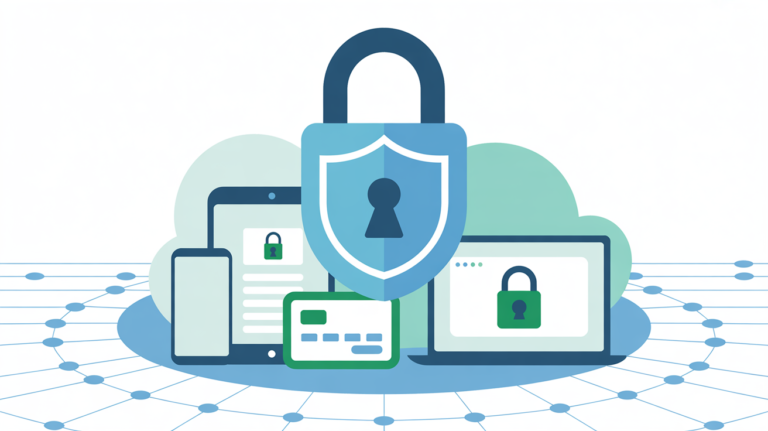
If you think the internet is getting scarier, you’re not alone. In 2026, basic cybersecurity for beginners is not a subject just for “techies”—it’s an essential skill for anyone with a smartphone, or a bank account. One of the best investments to make is in learning how to build a basic digital wall around your life as more and more of it becomes virtual.
Here’s the truth: Being great at cybersecurity isn’t about being a genius coder; it’s more like developing healthy habits. Most online attacks succeed because of simple human error, not intricate hacking, according to the National Cybersecurity Alliance.
1. Why Cybersecurity Basics for Beginners Matter More in 2026
And the threats we are facing today are more automated than before. And sometimes the AI-powered scams now copy a family member’s voice or send you well-worded emails from your “bank.”
It’s Not Just About Your Laptop
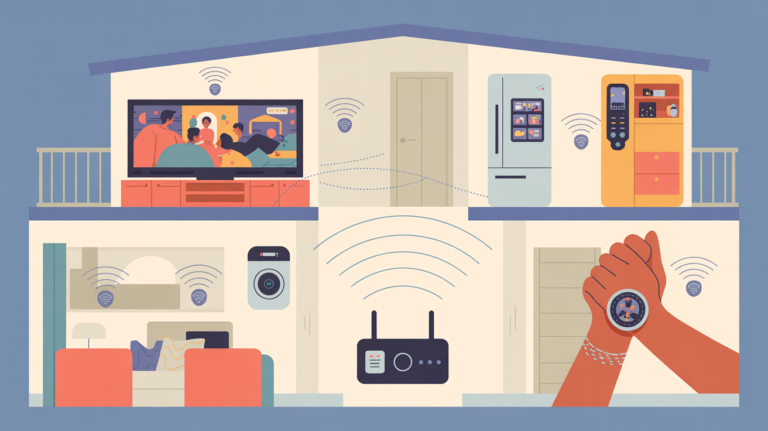
Today, cybersecurity extends to your smart home devices, your car and even your wearable fitness trackers. If it’s connected to the internet, it needs protection.
Prevention is Cheaper Than Recovery
Once stolen, the victim whose login info has been compromised from one site may have their information spread across the Dark Web. Learning it now saves you from that bad dream later on.
2. Three Golden Rules of Cybersecurity Basics for Beginners
When you begin down the path of cybersecurity basics for beginners, here are three things to concentrate on. They give you 90% of your protection.
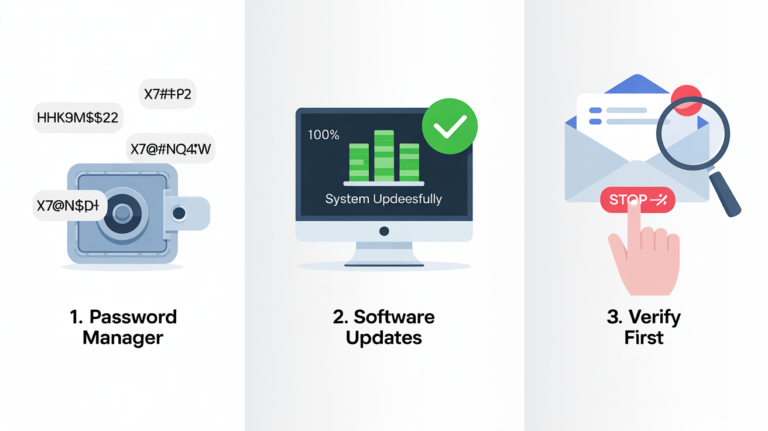
Rule 1: Use a Password Manager
Stop reusing the same password for every site. A password manager creates “un-hackable” passwords for you and remembers them, so that you don’t have to.
Rule 2: Never Ignore Software Updates
You know the annoying pop-up messages that pester you to update your phone or computer? Those are security patches. They “plug the holes” used by hackers to penetrate your system.
Rule 3: Trust, But Verify
If you receive a bizarre text or email — and even if it looks official — don’t click the link. Instead, head straight to the company’s official site.
3. Spotting AI Phishing with Cybersecurity Basics for Beginners
Phishing is when a hacker tries to deceive you into providing them your password. They’re harder to find in 2026.
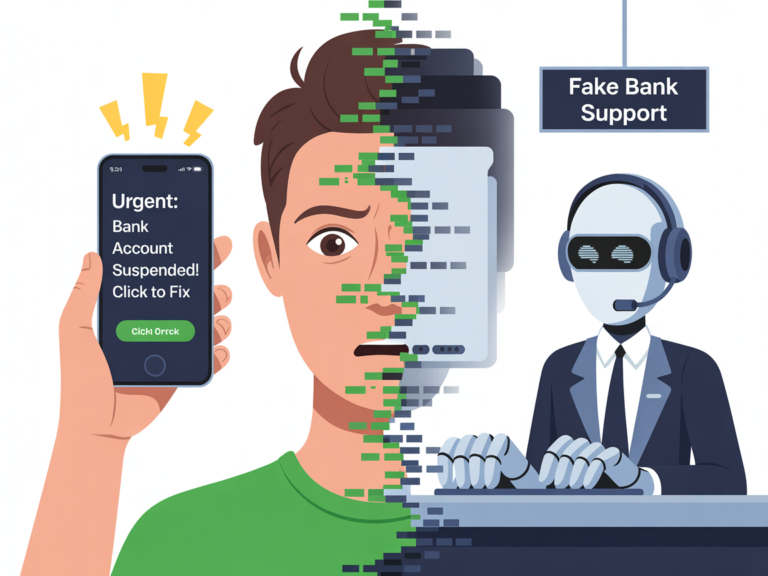
- Check the Sender and Address: Examine the email address carefully. Does it read support@amazon.com or support@amaze-on-security.net?
- Beware of Urgency: When an email says “Your account will be deleted in 2 hours!” it is very likely a scam.
- Watch for “Deepfake” Audio: If you’re on the phone with someone demanding money, hang up and call them back from a known number before transferring any financial details to verify that they are who they say
Security Comparison: 2026 Essentials
| Security Tool | Security Tool What it Does | Why Beginners Need It |
|---|---|---|
| VPN | Encrypts your internet | Prevents data theft on public Wi-Fi |
| Antivirus | Scans for malware | Stops accidental downloads from ruining your PC |
| 2FA App | Adds a second lock | Makes your password useless to a thief |
4. Final Checklist: Implementing Cybersecurity Basics for Beginners
-
[ ] Turn on MFA/2FA: Go to your Google or Facebook settings and turn on “Two-Factor Authentication” now.
-
[ ] Check your "DemoVPN" connection: Make it possible to use the VPN as and when you want, outside of home.
-
[ ] Update your phone: Go to Settings, then check for any available software updates and install them today.
Frequently Asked Questions (FAQ)
No. By 2026, cybersecurity is a fundamental life skill, like locking your front door. The majority of current security tools, such as password managers and VPNs, are intended to be installed by non-techies in a matter of minutes.
Phishing and account takeovers are still the most pressing threat, as they focus on people instead of systems. But the most rapidly growing threat for non-experts now is AI powered “Deepfake” scams (where voices or videos of trusted contacts are faked).
The first line of defense is a strong VPN. It encrypts your internet traffic, so hackers on public Wi-Fi can’t read your data. It doesn’t prevent you from, say, clicking on a dodgy link, but it does stop this kind of “eavesdropping” attack.
Obvious indicators include sudden battery drain, your device running extra hot, or unexpected pop-ups or apps opening on their own. If your friends are getting messages from you that you never wrote, your account might be compromised.
No, Incognito mode does not prevent your navigation history from appearing to other users on the same device. It won’t encrypt your data or conceal what you are doing from your internet provider, employers or hackers.
Verdict: You Don't Need to Be an Expert to Be Safe
When it comes to learning cybersecurity basics for beginners, the goal is to keep a regular pace more than squeezing complexity. By connecting through a VPN, updating your software and remaining skeptical of unusual links, you are already safer than 80% of the internet users.
From the Editors
The internet has become an essential part of everyday life, but it also introduces new challenges related to privacy, tracking, and digital security. CyberPrivacyGuide focuses on explaining these topics in clear, accessible language to help readers understand how online systems collect data and what risks may arise.
Our editorial approach emphasizes accuracy, neutrality, and transparency so users can make informed decisions about their digital activity.
Transparency Note
In the future, we may review privacy tools and services. Any such content will remain independent, objective, and transparent.
© 2026 CyberPrivacyGuide.com All rights reserved.