How to Protect Personal Information Online: The 2026 Security Audit
In 2026, your data is not just a number; it’s your digital DNA. Knowing how to protect personal information online has become a key life skill as data breaches and AI-fuelled identity theft soar. Whether you are shopping, or working, or socializing, every click is registered and can be exploited by hackers or sold by data brokers.
Safeguarding your digital identity calls for a layered strategy. The most recent security recommendations from the Electronic Frontier Foundation bears this out but our standard is to assume all adversarial conditions are concurrently true, so that even one layer of protection is not enough for defending against today’s cyber threats.
1. Why Learning How to Protect Personal Information Online is Essential in 2026
The privacy landscape has changed. We are not fighting lone hackers anymore: We are fighting technology that can scrape your information in seconds.
The Threat of AI Data Harvesting
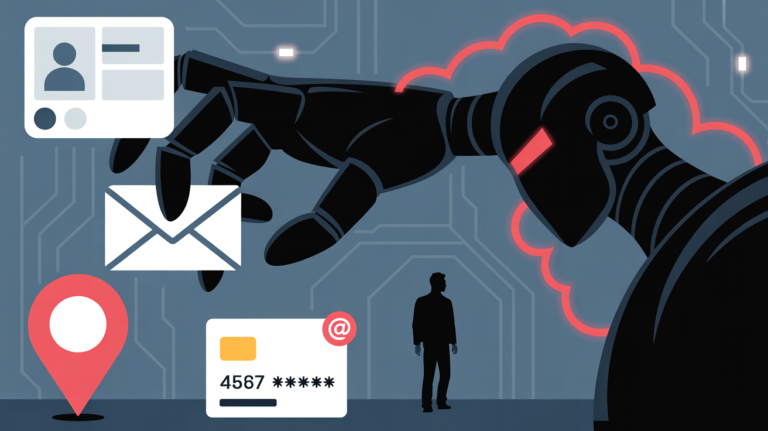
And today’s algorithms can reassemble your identity by combining “fragments” of your data from various social media platforms. That makes data privacy a lot harder to protect when you don’t have the right tools.
The Rising Cost of Identity Theft
In addition to losing your money a stolen identity in 2026 could mean frozen medical records and defrosting social accounts, or worse.
2. The Core Pillars of Personal Data Security
In order to truly learn how to keep personal information safe online, you need to harbour these three basic pillars:
Pillar 1: Advanced Password Management
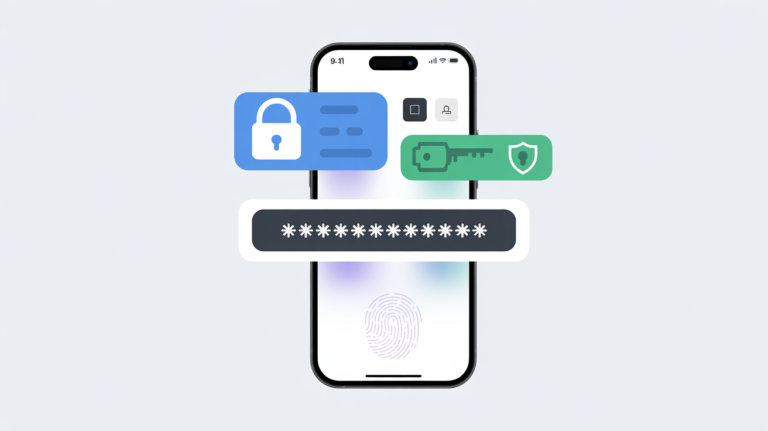
Long gone are the days of “Password123.” In 2026, you’re going to want to be using a dedicated password manager to produce and store random 20-character strings.
Pro Tip: Use biometric unlock (fingerprint or face ID) for your password manager so you have the added hardware security layer.
Pillar 2: Mandatory Two-Factor Authentication (2FA)
2FA is your fallback defence. Even if someone does steal your password, they can’t get into the account without having the physical device.
Don’t use SMS 2FA: Hackers could also compromise your second factor through what is known as “SIM swapping.” Use an authenticator app or physical security key instead.
Pillar 3: Encrypted Communications
Go the extra step to encrypt your chats and emails. Solutions with “End-to-End” encryption (E2EE) guarantee they cannot even be read by the service provider.
3. How to Secure Your Social Media Privacy
Social media is the largest “leak” of personal info. Use these online privacy tips to cover your profiles:
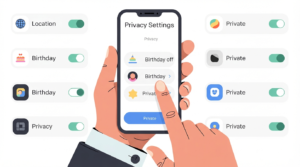
- Take your birthday off: This is important information used to identify you with banks.
- Turn off Geotagging: Do not allow apps to broadcast your exact location in your photos.
- Audit Third-Party Apps: Go to settings and delete any old games or quizzes that still have access to your profile data.
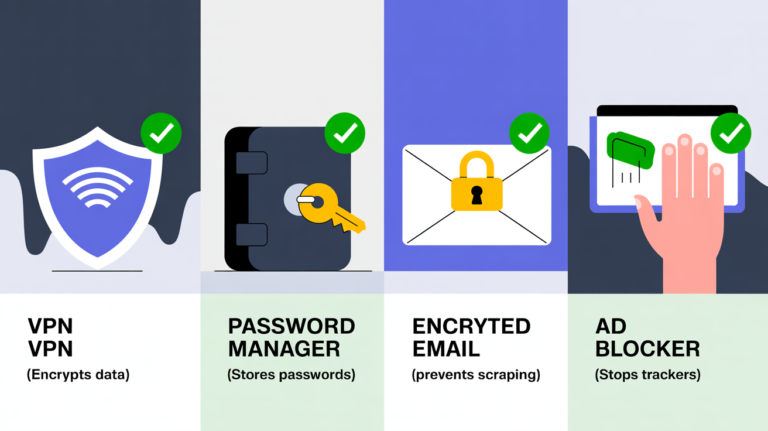
Comparison: Security Tools You Need in 2026
| Tool | Benefit for Data Privacy |
|---|---|
| VPN | Encrypts traffic & masks IP |
| Password Manager | Stores complex passwords |
| Encrypted Email | Prevents data scraping |
| Ad Blocker | Stops tracking scripts |
4. Checklist: How to Protect Personal Information Online Daily
-
Always use a VPN on public networks: Never surf without an encrypted tunnel.
-
Shred hard copies: Identity theft typically begins with “dumpster diving.”
-
Update your software every week: Security fixes patch the weaknesses that hackers use to get into your device.
-
Watch your bank statements: By catching a $1 charge early, you could head off a $10,000 theft.
FAQ: Protecting Your Personal Data
At the moment Phishing is still top of the threats list. These are scam emails or texts that appear to come from your bank or Amazon and prompt you to type in your login information.
No, using incognito prevents local browser from saving history that’s all. It will not conceal your information from your internet service provider (ISP), employer or the websites you visit.
Verdict: Your Privacy is Your Responsibility
Knowing how to how to protect personal information online is now the only way to surf the web safely in 2026. By stacking up your defenses — beginning with a premium VPN service — you turn the tables on hackers, rather than leaving them in control of your information.
From the Editors
The internet has become an essential part of everyday life, but it also introduces new challenges related to privacy, tracking, and digital security. CyberPrivacyGuide focuses on explaining these topics in clear, accessible language to help readers understand how online systems collect data and what risks may arise.
Our editorial approach emphasizes accuracy, neutrality, and transparency so users can make informed decisions about their digital activity.
Transparency Note
In the future, we may review privacy tools and services. Any such content will remain independent, objective, and transparent.
© 2026 CyberPrivacyGuide.com All rights reserved.