
How Your Data is Tracked Online: The 2026 Guide to Digital Surveillance
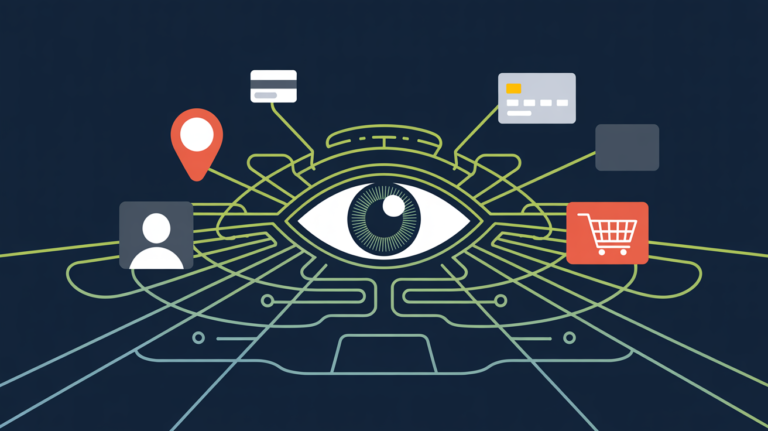
In an era of constant connectivity, understanding how your data is tracked online is the first step toward reclaiming your digital freedom. As our daily existences increasingly track into the cloud, your personal data may be worth a whole lot to advertisers and hackers — as well as to tech giants (and brokers) that cash in on proprietary insights about you. Keeping your digital life private isn’t just about concealing your identity; it’s about controlling how your personal information is collected and used across the web. So modern safety requires too reading about these surveillance techniques, explains expert resources on online data protections.
From the moment you unlock your phone a quiet network of trackers starts collecting every click, tap and pinch in the viewing area, everything that appears on your screen even down to how quickly you scroll.
1. The Core Pillar: What is Online Tracking?
Before we go all sci-fi on the tech, let’s get a handle of what drives most online surveillance today. Many users think that just steering clear of “shady” sites is sufficient, but in fact how your data is tracked online today is an incredibly convoluted ecosystem of behind-the-scenes scripts running code on almost every site you visit.
HTTP Cookies (First and Third-Party)
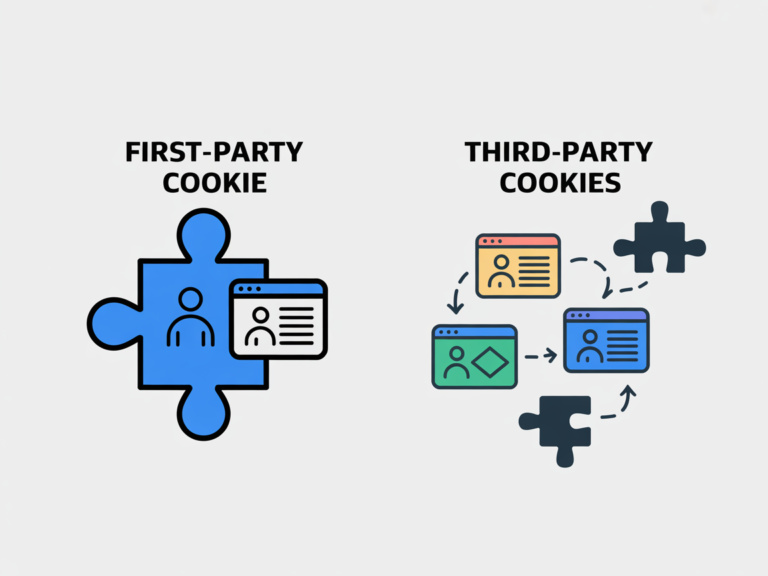
Cookies are small pieces of information stored on your computer.
- First-party cookies store your login information and cart selection.
- Third-party cookies are dropped by advertisers to track you between different websites.
- Note: A number of modern browsers have algorithms to block third-party cookies to protect your web privacy.
Web Beacons and Tracking Pixels
A web beacon is an invisible, 1×1 pixel image embedded on a website or in an email. When your browser loads that image, it links to the server and sends a request for the image, disclosing your IP address as well as information about the time and date when you opened the email and on what device.
2. Why Understanding How Your Data is Tracked Online is Essential in 2026
The modern strategy for data harvesting has turned well past stale cookies. If you believe that by clearing your online history makes you invisible, then think again. This is because you might be unaware of the most invasive tracking method currently in use: Device Fingerprinting.
The Rise of Digital Fingerprinting
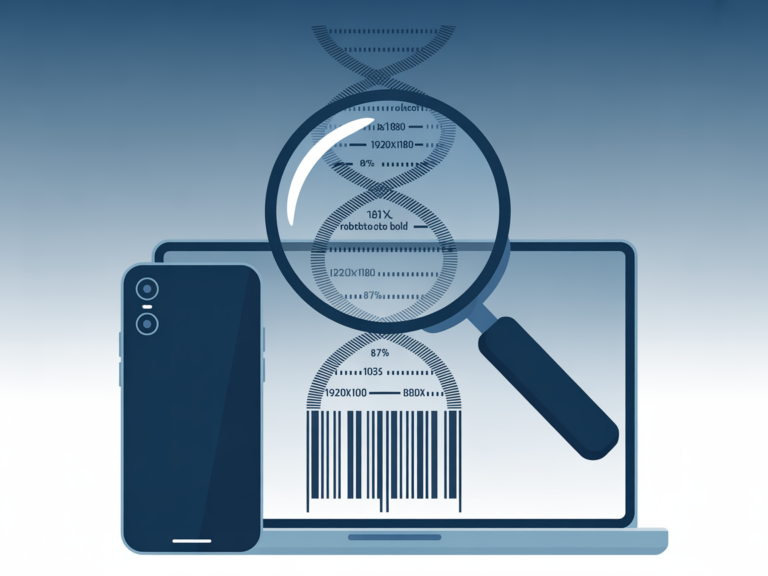
Websites are able to gather a distinctive fingerprint by mining your device’s settings: screen resolution, battery level, fonts installed, browser version and so on. Together, those make up a unique digital fingerprint that identifies you — even if you use a VPN or Incognito mode. It’s part of what explains why you wind up seeing an ad for a product on your laptop after simply searching for it on your phone.
3. Advanced Web Tracking Methods You Should Know
In order to ensure a high level of digital privacy, you need to be aware that tracking is now “probabilistic.” That is, companies don’t need your name in order to know who you are like never before.
Advertising Identifiers (MAIDs)
Apps on your smartphone rely on a distinct Advertising ID. This makes it possible for developers to connect your use of their apps (say, what you buy in a game) with your real-world identity. You can reset these in your phone’s privacy settings to “break” the tracking link.
AI Behavioral Modeling
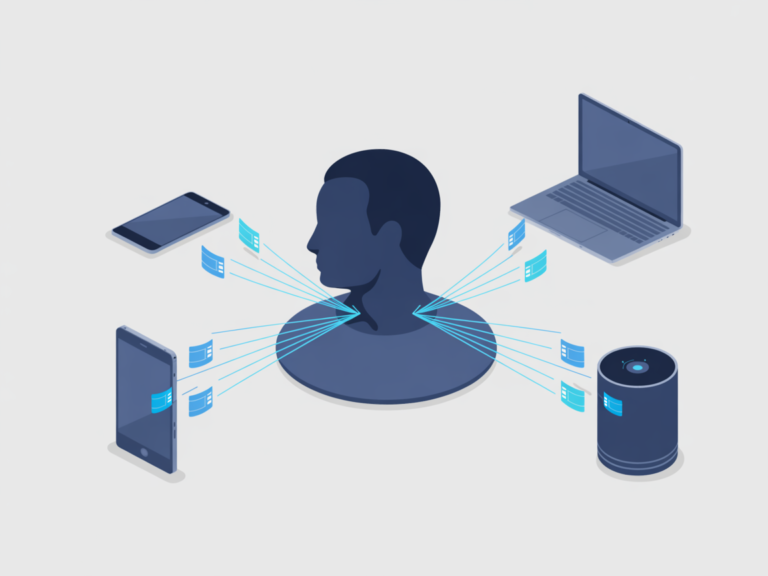
By 2026 AI models have figured how to leverage your known purchase history to predict what you will buy next. These models can recognize a user by “scroll speed” and even “mouse movements,” which are just as unique as a physical signature.
| Tool Type | Effectiveness against Digital Tracking |
|---|---|
| VPN | High (Masks IP & Encrypts Traffic) |
| Privacy Browser | Medium (Blocks Ad Trackers & Pixels) |
| Data Removal | High (Deletes info from Data Brokers) |
4. How to Stop Online Data Harvesting: A Step-by-Step Checklist
Now that you know how your data is tracked online, follow this audit to shore up your digital footprint:
Secure Your Connection: A VPN also hide your activity from your ISP.
Audit App Permissions: For all of the apps that don’t require it, turn off “Always On” location tracking.
Cross-Website Tracking: Disable this in your smartphone’s “Privacy & Security” options.
Switch to search engine : Start using privacy-protecting options that don’t keep track of what you search.
Frequently Asked Questions (FAQ)
Yes. Incognito mode simply prevents the browsing history from being saved on your local browser. Your I.S.P. and the sites you visit can still see your IP address and other information, allowing them to track you.
A VPN prevents your I.S.P. from being able to view the traffic serving your internet sessions, and it hides your IP address from websites you visit. But it does not stop following you by cookies if you are logged into accounts such as Google or Facebook.
Your data can also be used for “price discrimination” — when companies might present you with higher prices for flights or insurance, based on your perceived income or health information.

Verdict: Taking Control of Your Digital Footprint
The only way to fight back is by understanding how your data is tracked online. It is 2026, and privacy is no longer default; it is a choice. With the right tools and information, you can go from being a “product” to a user with protections.
From the Editors
The internet has become an essential part of everyday life, but it also introduces new challenges related to privacy, tracking, and digital security. CyberPrivacyGuide focuses on explaining these topics in clear, accessible language to help readers understand how online systems collect data and what risks may arise.
Our editorial approach emphasizes accuracy, neutrality, and transparency so users can make informed decisions about their digital activity.
Transparency Note
In the future, we may review privacy tools and services. Any such content will remain independent, objective, and transparent.
© 2026 CyberPrivacyGuide.com All rights reserved.