Public Wi-Fi Security Risks: The 2026 Survival Guide to Free Hotspots
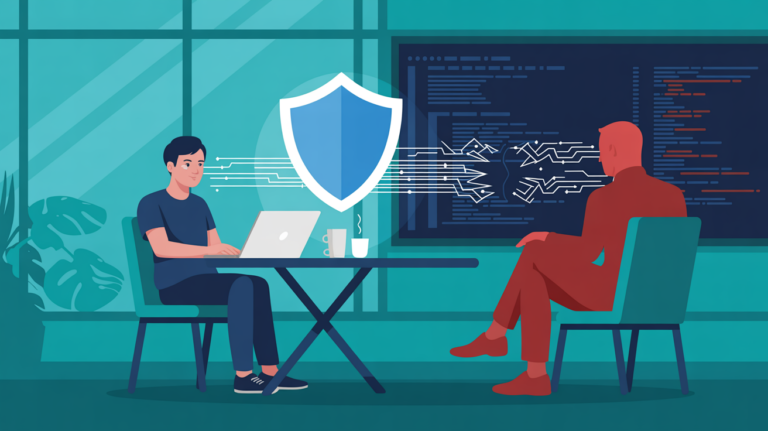
We have all been there: you find yourself in a coffee shop, an airport or a hotel, and your data plan is almost spent. You encounter an “Open” network and are popped on; however, your connection is immediate. But neglecting public Wi-Fi security risk is also one of the quickest ways to lose control of your digital identity. Hackers in 2026 aren’t just after your passwords; they’re stealing your session cookies, banking tokens and private communications.
Yes, convenience is king, but the cost of “free” internet has been likened to throwing your digital privacy out the window. At first, experts at the Electronic Frontier Foundation say, it is unsecured hotspots that are still the most common way for hackers to stage a complex hacking offensive from afar.
1. The Top Public Wi-Fi Security Risks You Face Today
Knowledge of the particular threats better serves to defend yourself. Here are three of the most prevalent methods hackers use to take advantage of free networks.
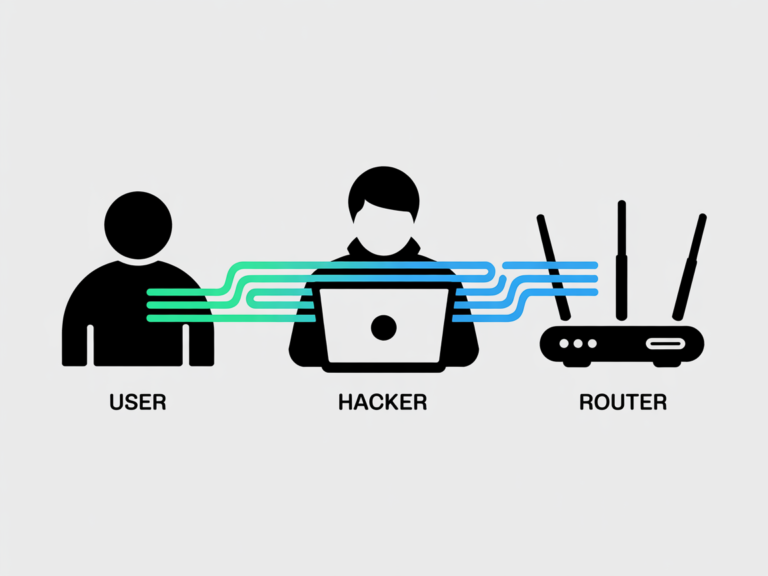
Man-in-the-Middle (MitM) Attacks
In a MitM hack, an attacker gets between your tablet and the wireless router. Rather than exchanging data direct with the hotspot, it is running first through the hacker’s laptop. They can watch every site you visit, and they can even manipulate what information you see.
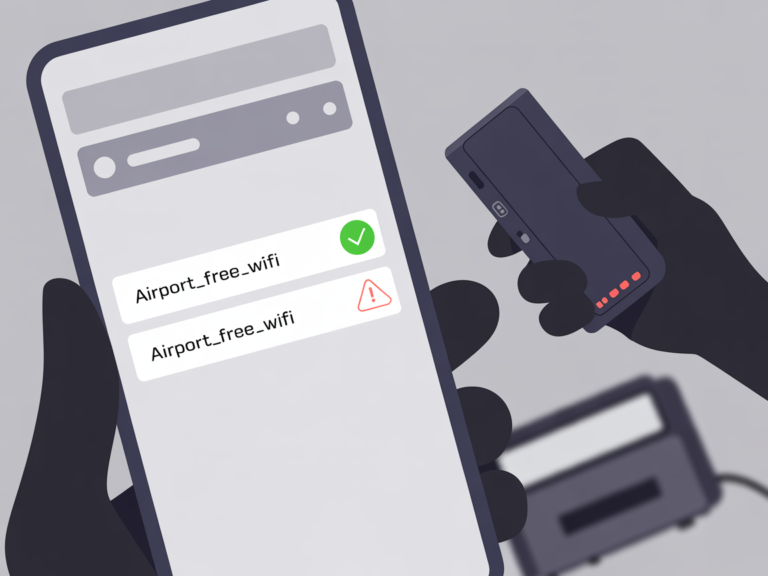
Evil Twin Hotspots
This is likely one of the biggest public Wi-Fi security threats. A hacker posts an egregiously-named network like “Starbucks_Guest_FREE” or “Airport_Official_Wi-Fi.” When you log on, it isn’t the store’s internet that you are connected to; instead, the hacker employs his own “evil twin” hotspot designed specifically to scoop up your credentials.
Packet Sniffing
Hackers can ”listen” to the airwaves using special software (sniffers). If a network is unencrypted, attackers can capture “packets” of data flying through the air, and those packets often include login or private messages that are themselves not encrypted.
2. Why "Secure" Websites (HTTPS) Aren't Enough Anymore
One common misinformation that you will be safe from threats of public wifi when you see a padlock icon on the website. The danger in this for 2026 is two-fold:
- SSL Stripping: More cutting-edge hacking techniques can act as a proxy between you and a website and strip the security from it, forcibly asking your browser to revert to using an unencrypted version without you ever knowing.
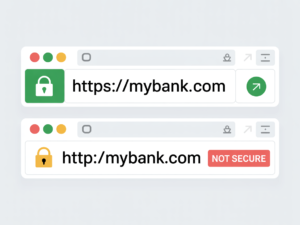
- DNS Hijack: A hacker can redirect a request for “MyBank. com” to an exact replica of the site, and with no objection you enter your username and password
3. How to Identify a Risky Network
All free Wi-Fi is not created equal. Before you click “Connect,” here are some red flags to be aware of:
- No Password Required: If you don’t need to enter a password (or even a room number in a hotel), the network has probably not been encrypted.
- Suspicious Names: Be wary of networks that have “Free” or “High Speed” in the name but stubbornly refuse to align with an establishment’s official signage.
- Insecure Browser Notifications: If you get a certificate warning on your browser when connecting, disconnect.
Comparison: Public WI-Fi Security Tools
| Feature | Using No Protection | Using A VPN |
|---|---|---|
| Data Encryption | None | High |
| Hides IP Address | No | Yes |
| Prevents MitM | no | Yes |
| Current Deal | Free (High Risk) | Varies |
4. Step-by-Step Checklist for Browsing Safely
If you absolutely need to use a public hotspot, do these things to protect your security on public Wi-Fi:
- Use a VPN (Virtual Private Network): This is the most important thing you can do. A VPN sets up an encrypted tunnel that makes your data unreadable to hackers on the same shared network.
- Turn Off “Auto-Connect”: Don’t let your phone connect automatically to any open network it detects.
- Forget the Network: When you’re finished using it, “Forget” the network in your settings so that your device isn’t constantly trying to reconnect later.
- Enable Two-Factor Authentication (2FA): A hacker may get hold of your password, but 2FA stops them from logging into your account.
By 2026 AI models have figured how to leverage your known purchase history to predict what you will buy next. These models can recognize a user by “scroll speed” and even “mouse movements,” which are just as unique as a physical signature.
Frequently Asked Questions (FAQ) : Public Wi-Fi Security Risks
Yes. A high-quality VPN will encrypt the connection and should not expose your bank login information even over an insecure network. I say this with the firmest conviction: Do not do this without a VPN.
Generally, no. They can see the data going to and from your device but cannot actually “see” your screen unless you have file-sharing enabled or are already infected with malware.
Not in general, no. Hotel networks are big targets for hackers because they know people like you are likely handling sensitive business data or booking travel reservations.
Verdict: Protection is Better Than Recovery
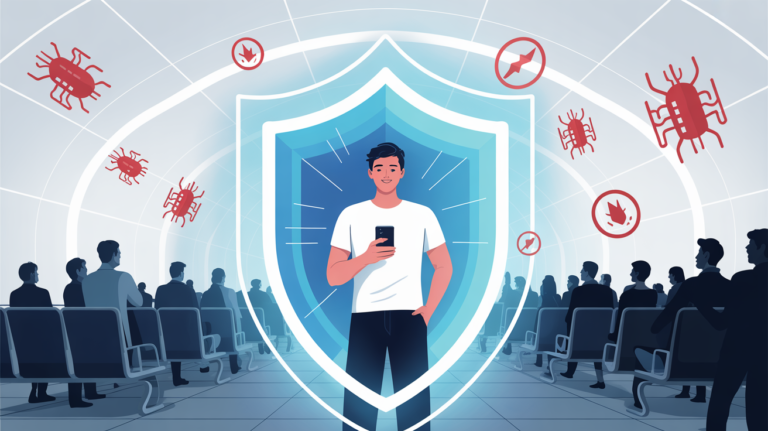
It’s the age of more advanced public Wi-Fi security risks, but it’s also possible to avoid them. With a “guilty until proven innocent” mindset and simply the best VPN available, you can use free internet as it was intended without joining the statistics.
From the Editors
The internet has become an essential part of everyday life, but it also introduces new challenges related to privacy, tracking, and digital security. CyberPrivacyGuide focuses on explaining these topics in clear, accessible language to help readers understand how online systems collect data and what risks may arise.
Our editorial approach emphasizes accuracy, neutrality, and transparency so users can make informed decisions about their digital activity.
Transparency Note
In the future, we may review privacy tools and services. Any such content will remain independent, objective, and transparent.
© 2026 CyberPrivacyGuide.com All rights reserved.